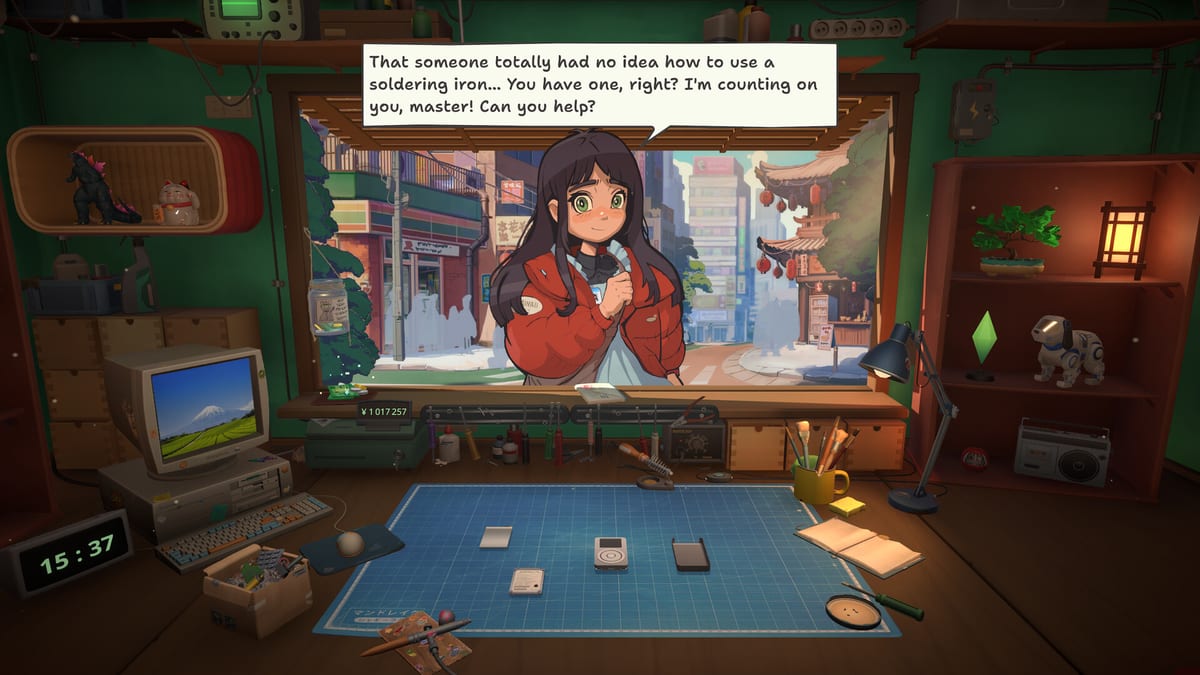
ReStory: Chill Electronics Repairs Wiki
Repair guides, walkthroughs, dialogue choices, and shop tools for mid-2000s Tokyo.
Hubs organised around what ReStory players search for most.
Unofficial ReStory wiki with repairs, licenses, story choices, and patch 1.0.009r notes for Mandragora's cozy Steam sim.
- 1.0.009r
- Latest patch
- 97%
- Positive reviews
- 50
- Achievements
- Y2K
- Tokyo vibe
Explore the wiki
Guides Hub
ReStory guides for repair loops, spare parts, licenses, dialogue ethics, endings, and mid-2000s Tokyo shop management for all players.
Read guideWalkthrough Hub
Step-by-step ReStory walkthrough from your first Tokyo repair job through early licenses, shop growth, and branching customer stories.
Read guideDevices Hub
Every ReStory device type: Atari consoles, Pokia phones, Nony handhelds, Eggotchi, Palaloid cameras, Unicorp PCs, and more repair targets.
Read guideReStory Tools Hub
Wiki tools for ReStory repairs: unlock trackers, workshop upgrade planners, and an interactive parts checklist linked to spare-parts guides.
Read guideShop Hub
ReStory shop systems hub: customer management, Y2K parts browser, service licenses, pricing, and growing your Tokyo repair business.
Read guideReStory Story Hub
Explore ReStory's Tokyo story hub: recurring customers, dialogue ethics, privacy dilemmas, and endings shaped by bench choices.
Read guideReStory Tier List Hub
Ranked ReStory priorities: best workshop upgrades first and hardest device types for beginners versus veteran repair players.
Read guideReStory Updates Hub
Track ReStory Steam patches: launch-day QoL, patch 1.0.009r fixes, firmware bugs, achievement gating, and where to verify official notes.
Read guideDeep tutorials for first days, repairs, and branching choices.
Keep exploring the ReStory wiki.
Device Catalog
Complete ReStory device catalog: Atari, Pokia, Nony, Eggotchi, Palaloid, Unicorp, Patento, Autorolla, and special repair items.
Read guideHow to Play ReStory
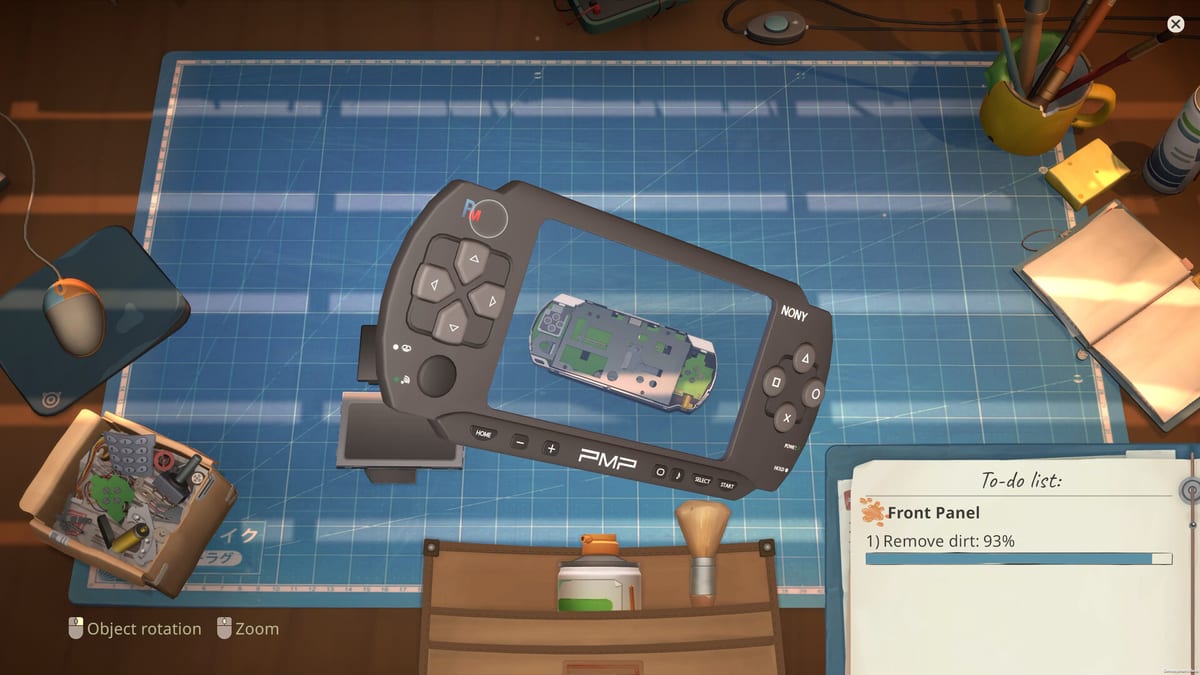
Learn ReStory's daily loop: greet customers, accept online jobs, manage rent, and grow your mid-2000s Tokyo repair shop from day one.
Read guideShop Management Guide
Manage your ReStory repair shop: customer queues, pricing, online requests, reputation, and balancing story jobs with daily profit.
Read guideReStory Characters Guide
Meet ReStory's recurring cast—Kenji, Yuri, Takashi, Hana, Kazuo, Grandma Chiyo, and Hashimoto—and how their devices tie to privacy themes.
Read guideReStory Upgrade Priority Tier List
Ranked ReStory workshop and tool upgrades: what to buy first for income, story access, and rent stability in mid-2000s Tokyo shop sim.
Read guideReStory Tool Unlocks Guide
Track every ReStory bench tool unlock: screwdrivers, soldering gear, diagnostics, and license gates tied to story customers and email jobs.
Read guideReStory Launch Day Patch Notes
ReStory launch-day patch: dialogue history, manual save, economy tuning, inventory filters, repair slider, tutorials, and solder fixes.
Read guideFirst Days Walkthrough
ReStory first days guide: opening shift, Atari CX40 repair, parts browser basics, and early customer jobs in mid-2000s Tokyo.
Read guideAtari Consoles Guide
Repair licensed Atari 2600, CX40 joystick, and Lynx in ReStory: diagnostics, common faults, parts tips, and story customer jobs.
Read guideOpen the shop with a calm first-week plan.
- 1
Learn the repair loop
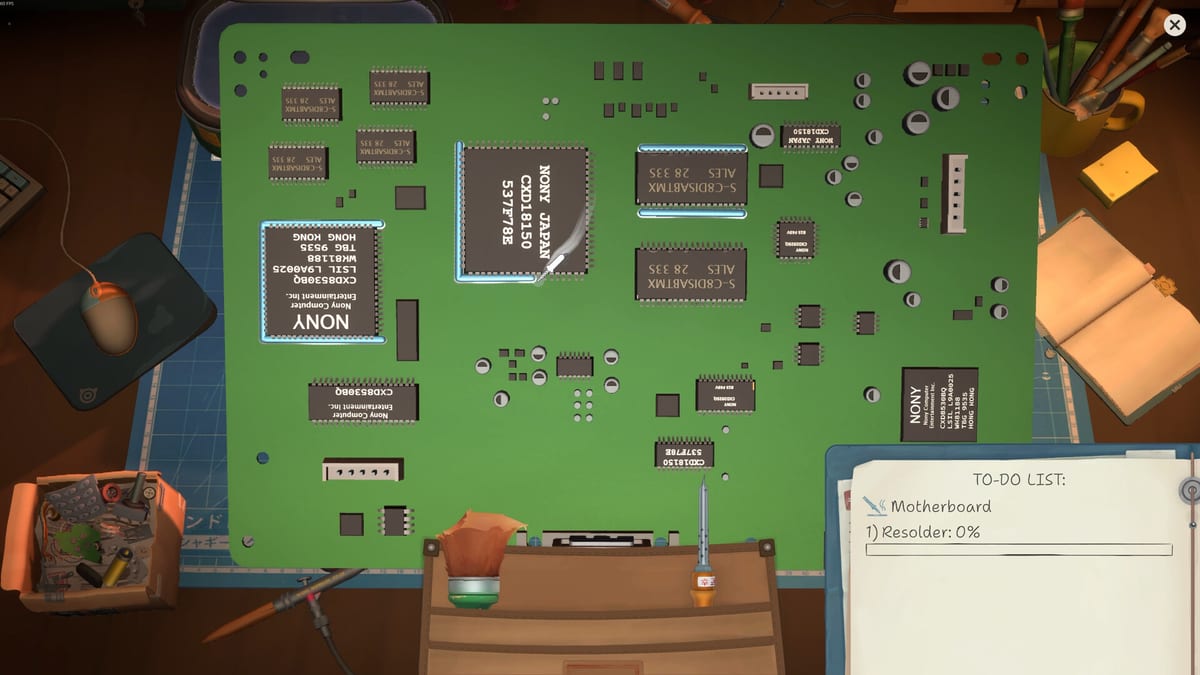
Read How to Play, then practice disassembly, cleaning, part swaps, and careful reassembly on your first walk-in jobs.
- 2
Fund tools before vanity
Prioritise the electric screwdriver, diagnostic bench, and storage trays. Cosmetic shop decor can wait until rent is stable.
- 3
Stock parts smartly
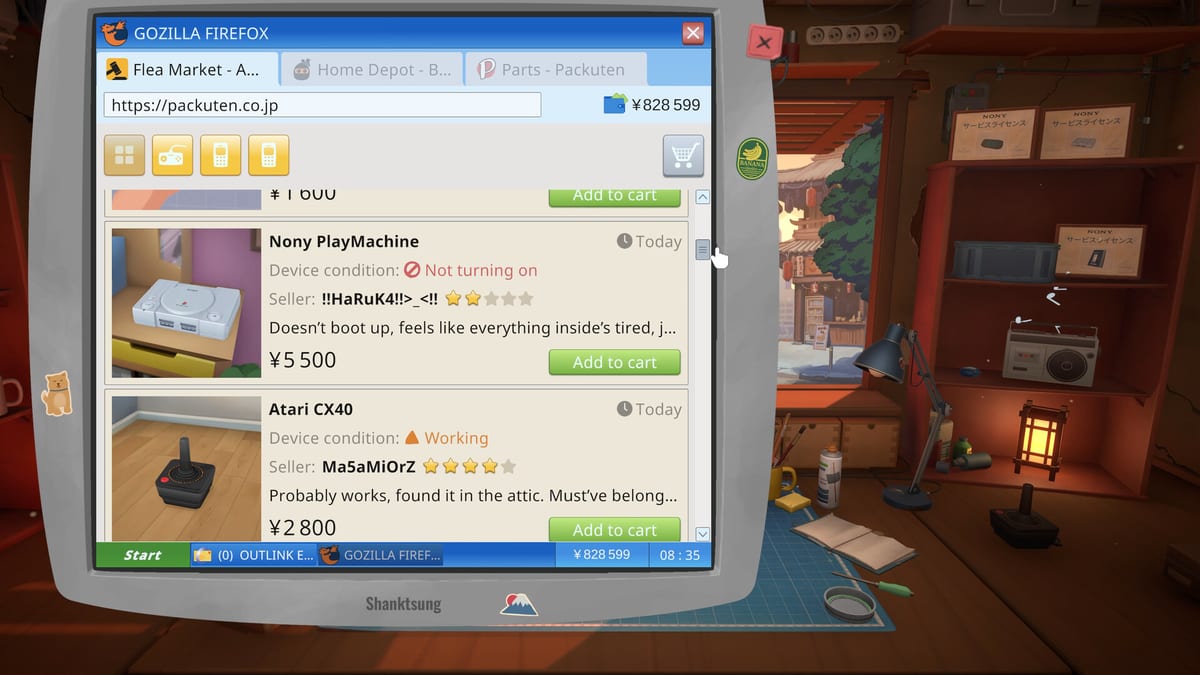
Use the in-game browser for common capacitors and screens, and salvage broken marketplace buys when cash is tight.
- 4
Treat dialogue as systems
Protect privacy, listen closely, and follow the dialogue choices guide when a customer story branches toward an ending.
- 5
Plan upgrades with the tier lists
Check upgrade priority and device difficulty before accepting rare licenses or high-risk online orders.
Wiki FAQ
Quick answers for ReStory players.
What is ReStory: Chill Electronics Repairs?
A cozy narrative shop simulator from Mandragora and tinyBuild where you restore mid-2000s gadgets in Tokyo while customer choices shape branching endings.
Is this an official wiki?
No. This is an unofficial fan resource. Confirm patches and pricing on the Steam store page and official Mandragora or tinyBuild channels.
Which languages are supported?
This wiki supports: English, Français, Deutsch, Español. Configure locales in site.meta.json and run npm run generate:i18n.
Where should absolute beginners start?
Begin with How to Play, then First Days Walkthrough, Spare Parts, and Beginner Tips before tackling dialogue endings or advanced licenses.
Does the game have redeem codes?
ReStory is a single-player Steam release without typical live-service redeem codes. Progression comes from repairs, reputation, and story choices.